
MediaExpert
Electronics

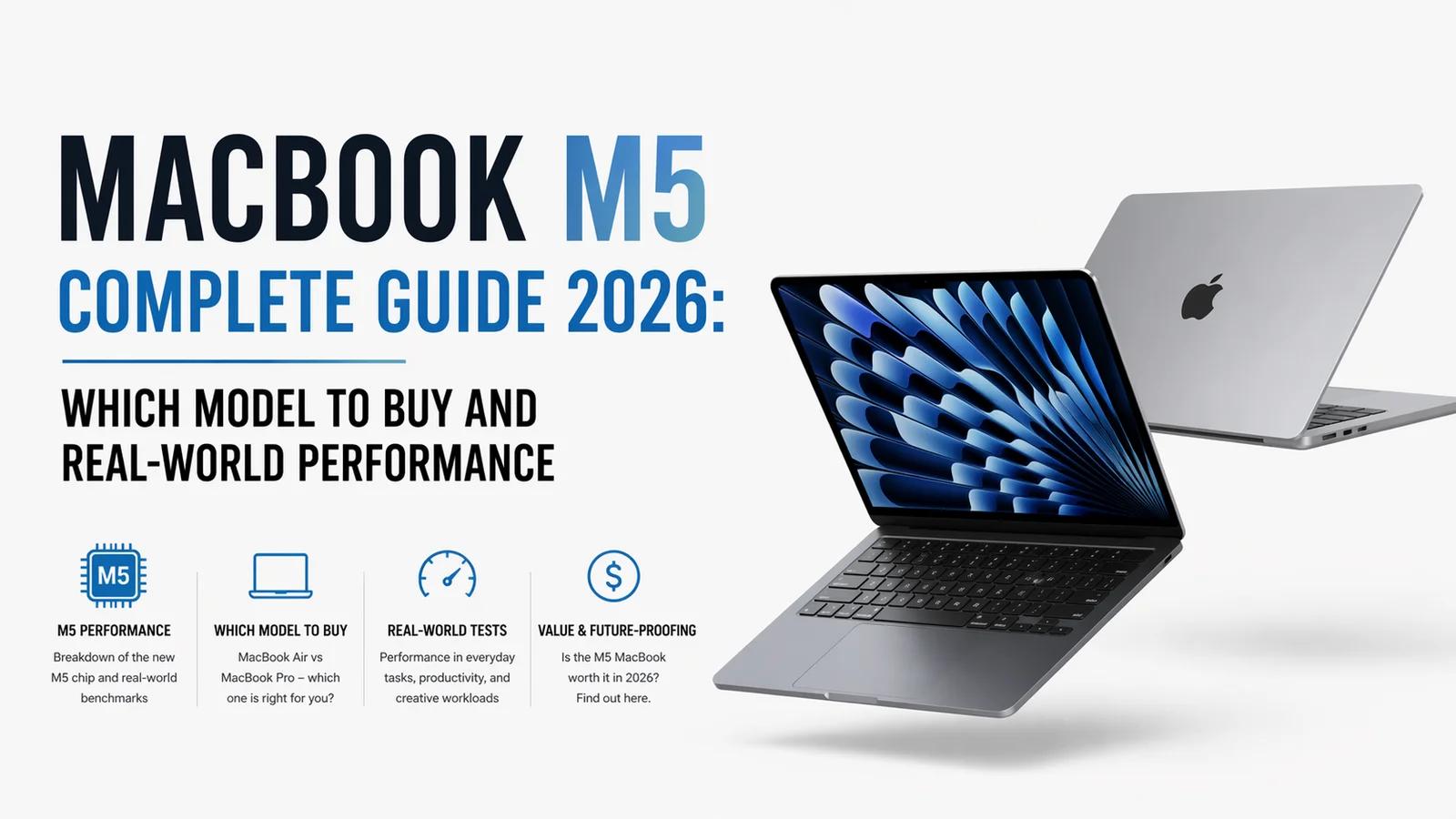
Complete guide to the MacBook M5 lineup in 2026. M5, M5 Pro, M5 Max comparison, pricing, configurations, and which model actually fits your use case.
Robert
Apple launched the M5 chip family in late 2025, powering updated MacBook Pro 14-inch and MacBook Pro 16-inch models (October 2025 release), and the MacBook Air M5 (March 2026 release). The M5 offers approximately 20-25% faster CPU performance and 35-45% faster GPU performance over M4, with improved neural engine for AI workloads. M5 Pro and M5 Max variants are available in MacBook Pro models for content creators and developers. Pricing starts at €1,299 for MacBook Air 13-inch M5 and scales to €4,099+ for fully-configured MacBook Pro 16-inch M5 Max. This guide covers which configuration actually fits your workflow vs which are unnecessary upgrades.
M5 (base):
10-core CPU (4 performance + 6 efficiency cores)
10-core GPU
16-core Neural Engine
Up to 32GB unified memory
120GB/s memory bandwidth
M5 Pro:
12-core CPU (6 performance + 6 efficiency cores) or 14-core (8 performance + 6 efficiency)
16-core or 20-core GPU options
16-core Neural Engine
Up to 64GB unified memory
300GB/s memory bandwidth
M5 Max:
14-core CPU (10 performance + 4 efficiency)
32-core or 40-core GPU
16-core Neural Engine
Up to 128GB unified memory
500GB/s memory bandwidth
Expected M5 Ultra (for Mac Studio and Mac Pro, late 2026):
Effectively two M5 Max chips combined
Up to 256GB unified memory
1000GB/s memory bandwidth
M5 chip (10C CPU, 10C GPU)
16GB base memory (up to 32GB)
256GB base storage (up to 2TB)
Liquid Retina display, 13.6-inch, 500 nits
Weight: 1.24 kg
Battery: 18 hours web browsing
Best for: Students, remote workers, light developers, general productivity.
Configurations to consider:
Base (€1,299): 16GB/256GB - acceptable for basic use
Recommended (€1,549): 16GB/512GB - more storage for medium use
Sweet spot (€1,799): 24GB/512GB - better headroom for heavier multitasking
Max useful (€2,099): 32GB/1TB - approaching Pro territory
Same specs as 13-inch plus larger 15.3-inch display. €250 premium for the larger screen. Slightly better thermal performance due to larger chassis.
Best for: Users who want portability but prioritize screen real estate over compact size.
M5, M5 Pro, or M5 Max chip options
16-64GB memory depending on chip
512GB-8TB storage
Liquid Retina XDR display (better color, mini-LED, 120Hz ProMotion)
Superior speakers and microphones
More ports (HDMI, 3x Thunderbolt 5, SDXC card reader)
Configurations worth considering:
M5 14-inch (€1,899): 16GB/512GB - entry to Pro lineup
M5 Pro 14-inch (€2,349): 24GB/512GB with 12C CPU - upgraded performance
M5 Pro 14-inch maxed (€3,049): 48GB/1TB with 14C CPU/20C GPU - content creation ready
M5 Pro or M5 Max chip options (no base M5 in 16-inch)
24-128GB memory depending on configuration
512GB-8TB storage
16.2-inch Liquid Retina XDR display
Larger battery, extended thermal capacity
Configurations worth considering:
M5 Pro 16-inch (€2,949): 24GB/512GB - solid pro performance
M5 Max 16-inch (€4,099): 36GB/1TB with 32C GPU - serious creative work
M5 Max fully loaded (€6,799): 128GB/8TB - ceiling for power users
Based on initial benchmarks and professional reviews:
CPU (single-core): ~18-22% improvement over M4 CPU (multi-core): ~20-25% improvement over M4 GPU: 35-45% improvement over M4 GPU (particularly strong in gaming and 3D rendering) Neural Engine: 40-50% faster AI/ML operations Memory bandwidth: 20-30% higher across all tiers Battery life: Similar or slightly better (1-2 hour improvement)
Real-world impact:
Video editing: 30-40% faster export times on Pro/Max chips
Xcode build times: 20-25% faster
Gaming: 40-50% faster on base M5 vs M4 (still not reaching dedicated gaming GPU levels)
AI/ML workloads: 40-60% faster for on-device models
General productivity: Barely perceptible (M4 was already very fast)
Buy this if:
Primary use is web browsing, email, documents, photo editing in Photos/Lightroom
You want maximum portability
Video editing is limited to short 1080p/4K clips in iMovie
Light programming (web dev, scripting) without heavy containerization
Battery life is a priority
Budget matters
Avoid if:
You edit 4K video for multiple hours daily
You run heavy development containers (Docker clusters, Kubernetes)
Gaming is a frequent activity
You need the best display quality
Buy this if:
You do content creation semi-professionally (video editing, music production, 3D modeling)
You're a developer working with larger codebases
You want the ProMotion 120Hz display and XDR
You want MagSafe, more ports, and thermal headroom
Your workload occasionally pushes a MacBook Air's limits
Avoid if:
Your workload would fit comfortably on Air
Portability matters more than performance
Budget is tighter
Buy this if:
You edit 4K/8K video daily
You do 3D rendering, AR/VR development, or high-end Xcode work
You run heavy machine learning models on-device
You're a professional content creator with monetized output justifying the cost
Avoid if:
You don't actually need the GPU power
Your workload is CPU-bound rather than GPU-bound
Buy this if:
Same as 14-inch M5 Max but you need the larger display for productivity
Desktop replacement use with external display additional
Extended battery life for mobile professional work
You work with timelines/sheets that benefit from screen real estate
Avoid if:
Portability matters; the 16-inch is noticeably heavier than 14-inch
16GB: Fine for Air, email, browsing, Office apps, light photo editing, simple coding. 60-70% of Mac buyers can stop here.
24GB: Better for moderate multitasking (20+ Chrome tabs + apps), entry-level video editing, Xcode projects.
32GB: Video editing at 4K, programming with multiple containers, music production with multiple VST plugins.
48-64GB: Professional video editing with multiple 4K/6K streams, 3D rendering, heavy ML model training.
96-128GB: Only if you specifically need it (large ML models, very complex Xcode projects, enterprise virtualization, science computation). For most users, overkill.
Upgrade path: Apple Silicon is NOT user-upgradeable. Choose carefully at purchase. Going up one tier is almost always a better investment than going up a tier in storage.
256GB: Tight for modern workflows. Acceptable only if you use iCloud/external storage heavily.
512GB: Comfortable for most users. Recommended baseline.
1TB: Serious content creator or developer.
2TB+: Video editing, music production with large sample libraries, or if you hate dealing with external drives.
Storage cost analysis: Apple charges €230 to go from 256GB to 512GB, €230 to go from 512GB to 1TB. External Thunderbolt 5 SSDs (€169-349 for 2TB) can supplement internal storage affordably.
The M5 Pro 14-inch at €2,349-3,049 is the sweet spot for most Pro buyers. The M5 Max adds €599-1,199 to configurations and is only worth it if:
You have specific GPU-bound workflows (3D rendering, high-end video editing, game development)
You run ML models that benefit from Max's memory bandwidth
You need 40-core GPU for specialized graphics work
For pure CPU workloads (code compilation, productivity), M5 Pro and M5 Max are nearly identical. Don't pay the Max premium for CPU-bound work.
Apple Trade-In values (April 2026):
MacBook Pro M1 16-inch: €549-899 depending on condition
MacBook Pro M2 14-inch: €829-1,299
MacBook Pro M3 14-inch: €1,149-1,649
MacBook Pro M3 16-inch: €1,399-1,999
MacBook Pro M4 14-inch: €1,499-2,099
Recommended accessories:
Thunderbolt 5 dock (€289-469)
Quality USB-C cable (for charging): Apple's cable or Anker premium
Hardshell case (if frequent travel): €49-89
External display: Apple Studio Display (€1,899), LG UltraFine (€799-1,049), or Dell U3223QE (€1,149)
Magic Mouse or MX Master 3S
Magic Keyboard or Keychron K8 Pro
MacBooks retain value significantly better than most PC laptops:
MacBook Air M5: 65-75% after 24 months
MacBook Pro M5 Pro: 70-80% after 24 months
MacBook Pro M5 Max: 60-70% after 24 months (higher base = faster depreciation)
Is M5 worth upgrading from M4? If you have M3 or newer, probably not. Performance gains exist but aren't transformative. If you have Intel Mac or M1/M2, yes.
Should I wait for M6? M6 is expected Q3-Q4 2026. If your current Mac works fine, waiting saves you from buying at end-of-cycle. If you need a new machine now, M5 is excellent.
Is MacBook Pro M5 Pro worth €450 more than MacBook Air M5? For display (XDR vs LCD), thermal headroom, additional ports, and 120Hz ProMotion, yes for professional work. Not worth it for pure productivity.
Can I upgrade RAM or storage later? No. Apple Silicon is soldered. Buy the right configuration at purchase.
Is the M5 Max actually faster than M5 Pro in real-world work? For GPU-bound work (video, 3D, gaming), noticeably yes. For CPU-bound work, barely.
Does MacBook M5 support external GPUs? No. Apple Silicon does not support eGPU. Consider this if you need specific graphics hardware.
Best time to buy? February-March before next-generation rumor cycle, or August-September during back-to-school sales. Apple rarely discounts, but Amazon, MediaMarkt, and specialist retailers offer €100-300 off current models during seasonal promotions.
Used MacBook M4 vs new M5 base? Used M4 Pro 14-inch (€1,399-1,649) is better value than new M5 Air (€1,299) for pro workflows. For portability, new M5 Air is better.



Save on your next purchase
Browse our partner stores for cashback deals and voucher codes
Robert
Author